Route by context
Set up app destinations and fallbacks for supported platforms instead of maintaining a separate campaign URL for each store.
SMARTLINKS / SMART LINKS
Create app links that route people to the right mobile experience or download page. Manage destinations, fallback behavior, and link activity from one focused workspace.
Your SmartLinks account. Your apps. One connected workspace.
WHAT’S INSIDE
Start with the job in front of you. These focused tools share the app context you already have in SmartLinks.
Set up app destinations and fallbacks for supported platforms instead of maintaining a separate campaign URL for each store.
Use supported SDK integration and deferred deep-link workflows to carry context into the app experience.
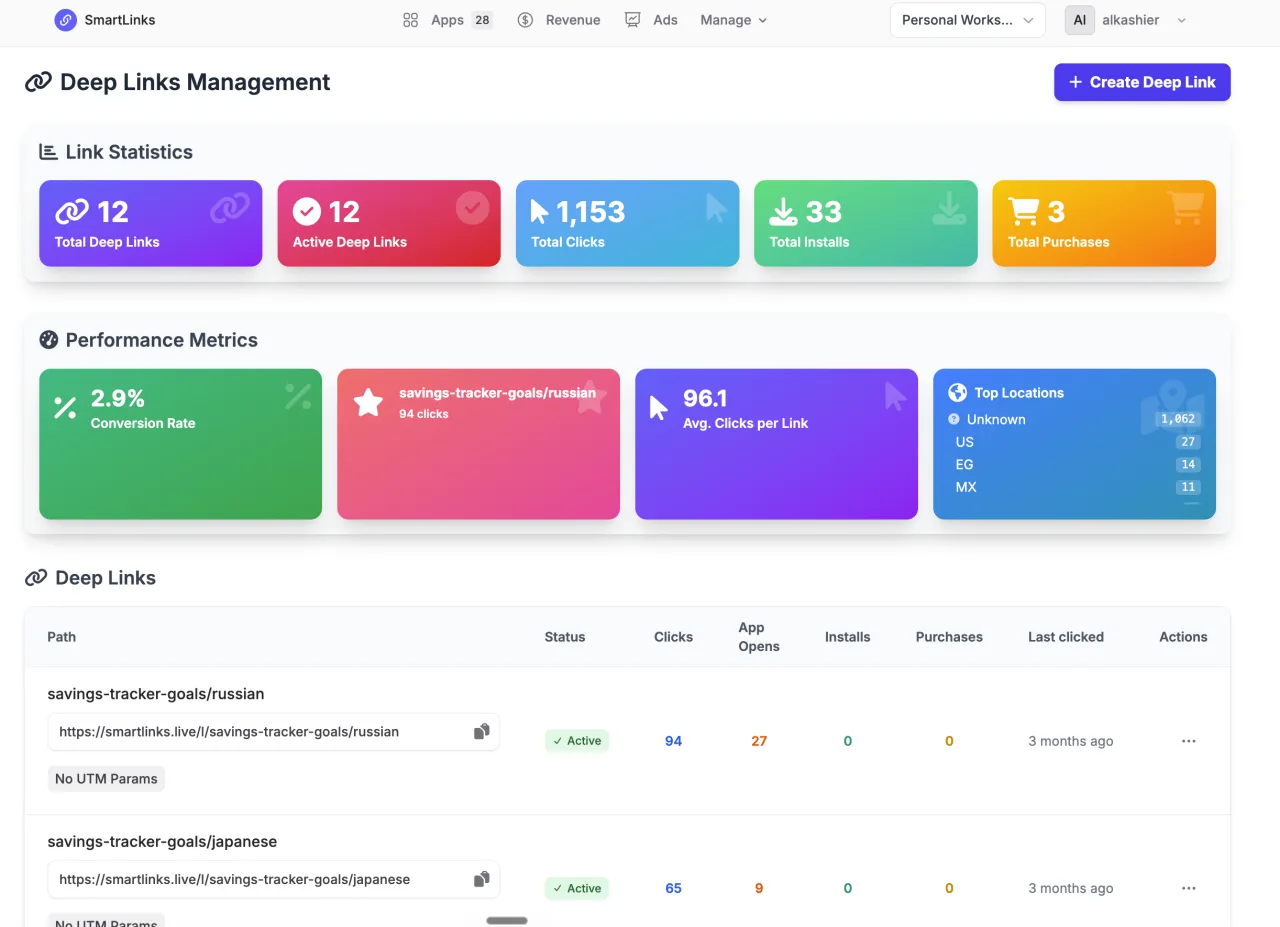
Review link activity alongside your connected app analytics, with clear boundaries between clicks and verified downstream events.
FROM IDEA TO ACTION
Smart Links uses your existing app and account, so the work stays connected as you move through the process.
Read the practical guide ↗Choose your app and configure its destinations.
Create a link with the routing and fallback you need.
Test the link on the target device and inspect activity.
GOOD TO KNOW
Deep and deferred links require the relevant SDK and platform association configuration.
No. Sign in with your existing SmartLinks account and select an app you can access. Existing app ownership and team permissions still apply.
This product uses your SmartLinks plan and its feature allowances. The pricing page shows current plans that include Smart Links. Choosing a different suite plan changes your shared subscription; it does not add a separate subscription for this product.
Compare eligible plans →Yes, when your plan and permissions include them. Your apps and connected services stay in the same SmartLinks workspace. Some workflows need additional provider setup.
Explore the product collection →YOUR NEXT GOOD MOVE
Start with Smart Links. Keep the whole picture connected.
BETTER TOGETHER